Get started in under 2 minutes
From download to your first health log, Chronigo is designed to be effortless. Here is how it works.
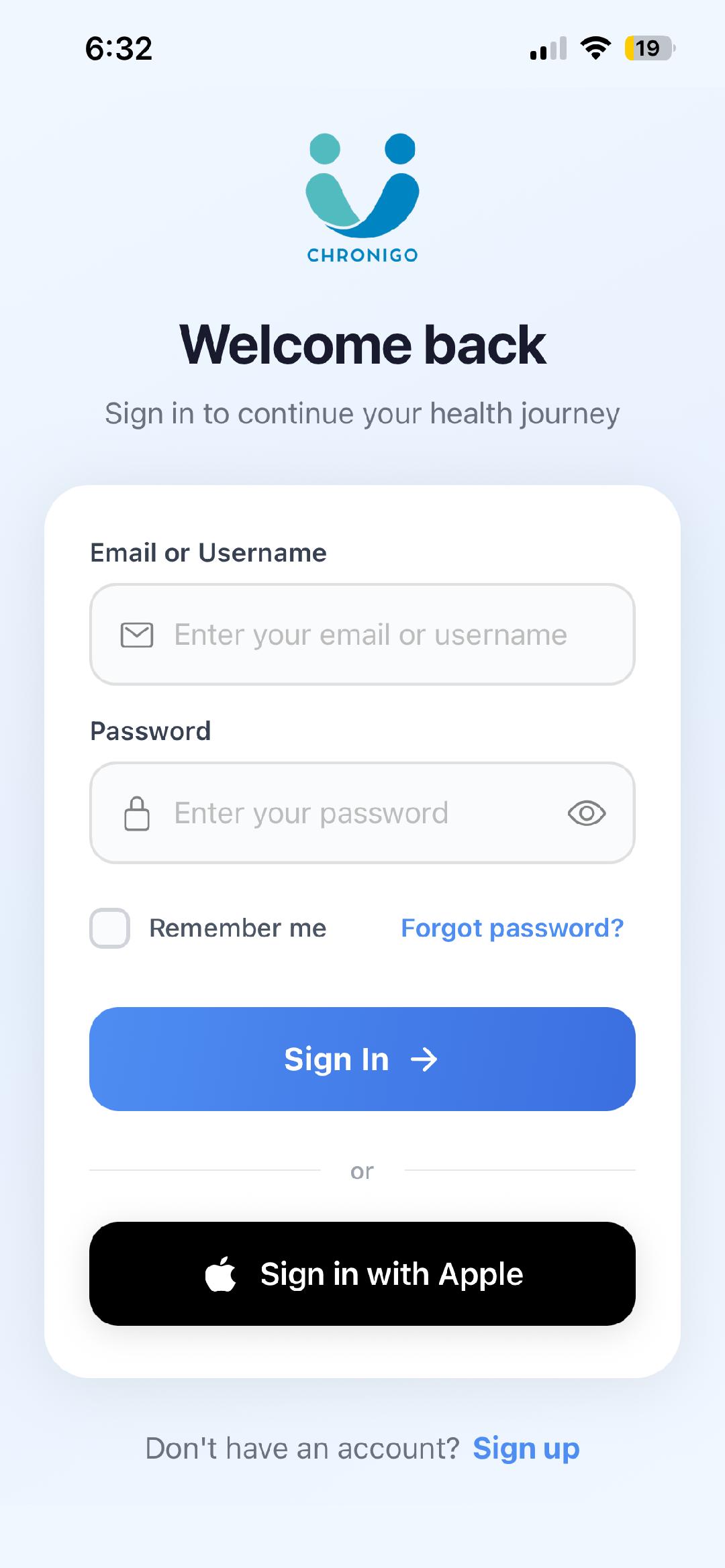
Create Your Account
Sign up with email or Apple Sign-In. Set up your profile in seconds.
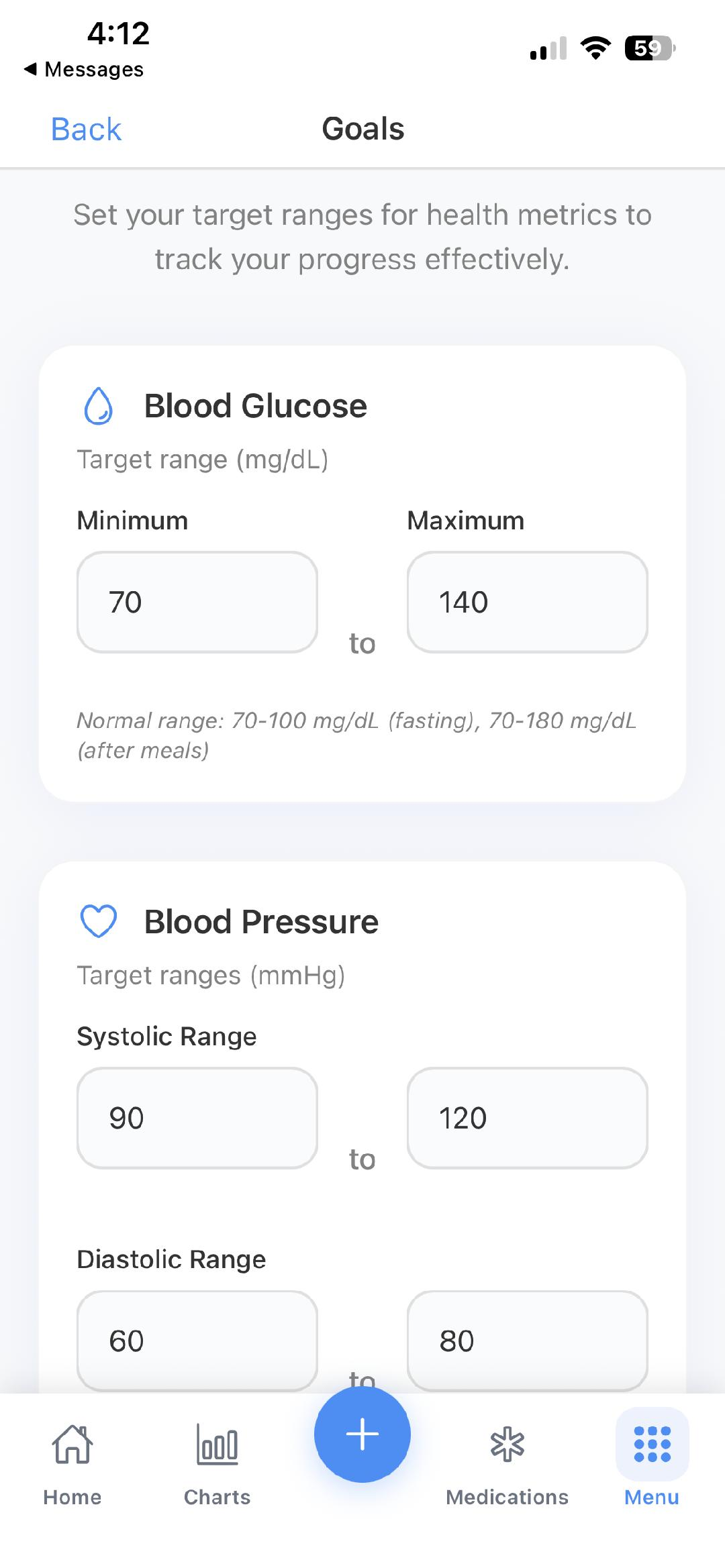
Set Your Goals
Choose what matters: blood pressure targets, glucose ranges, weight goals.
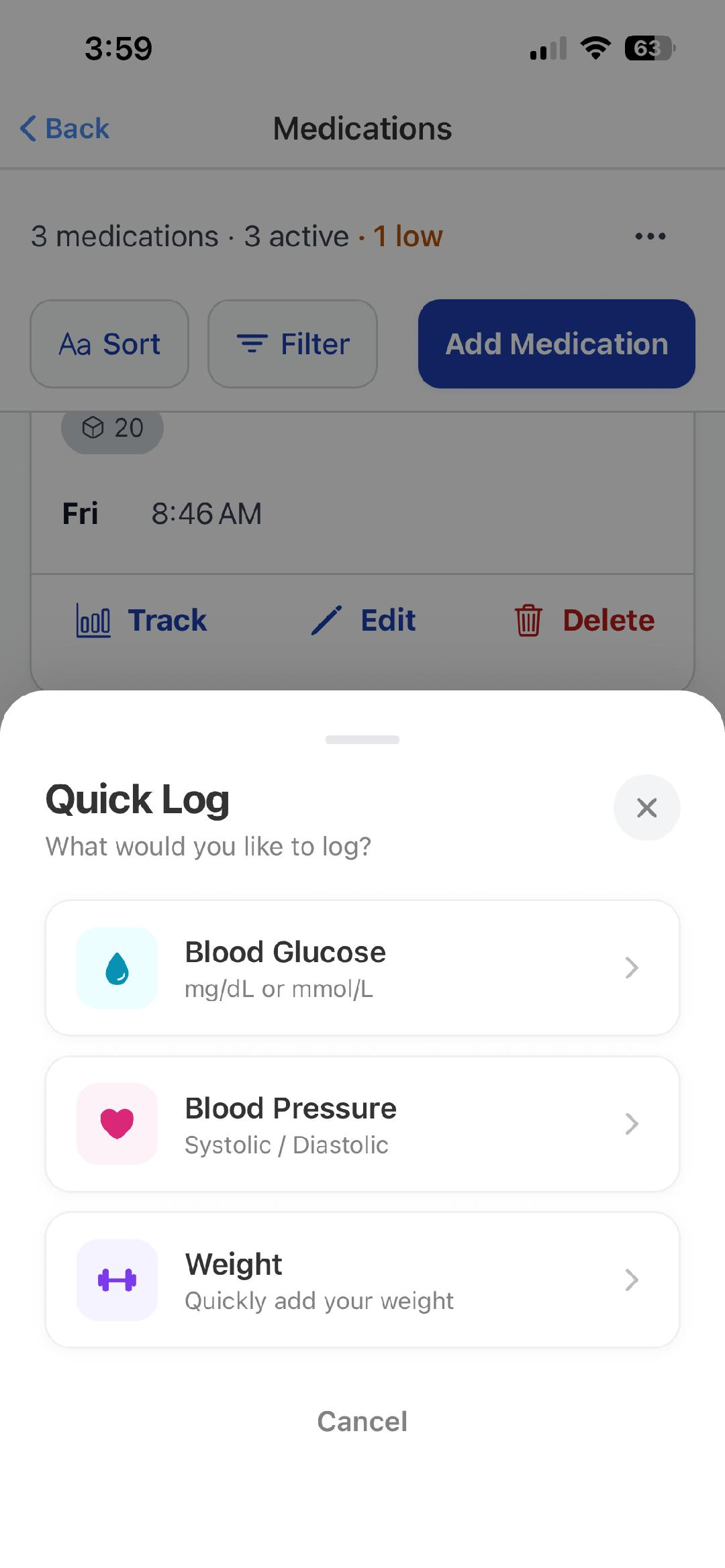
Log Your Health
Record readings in seconds. Add medications, set reminders, track daily.
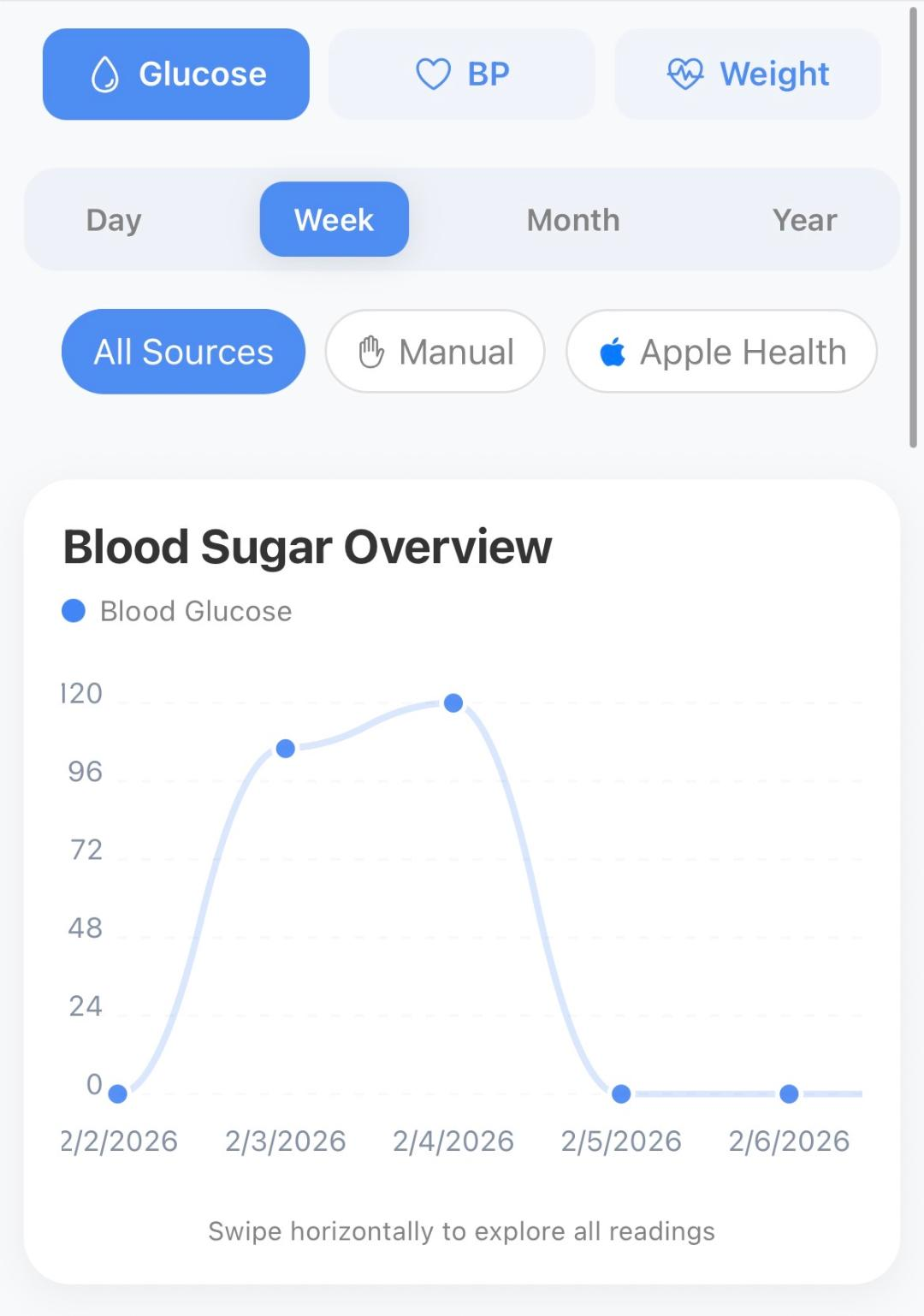
See Your Progress
Charts, trends, and AI insights show how your health is improving.
A closer look at each step
Sign up and personalize
Create your free account with email or Apple Sign-In. During onboarding, you will set your name, username, and agree to privacy terms. The entire process takes under a minute.
- Email or Apple Sign-In authentication
- Choose a unique username for social features
- Set your date of birth and health preferences
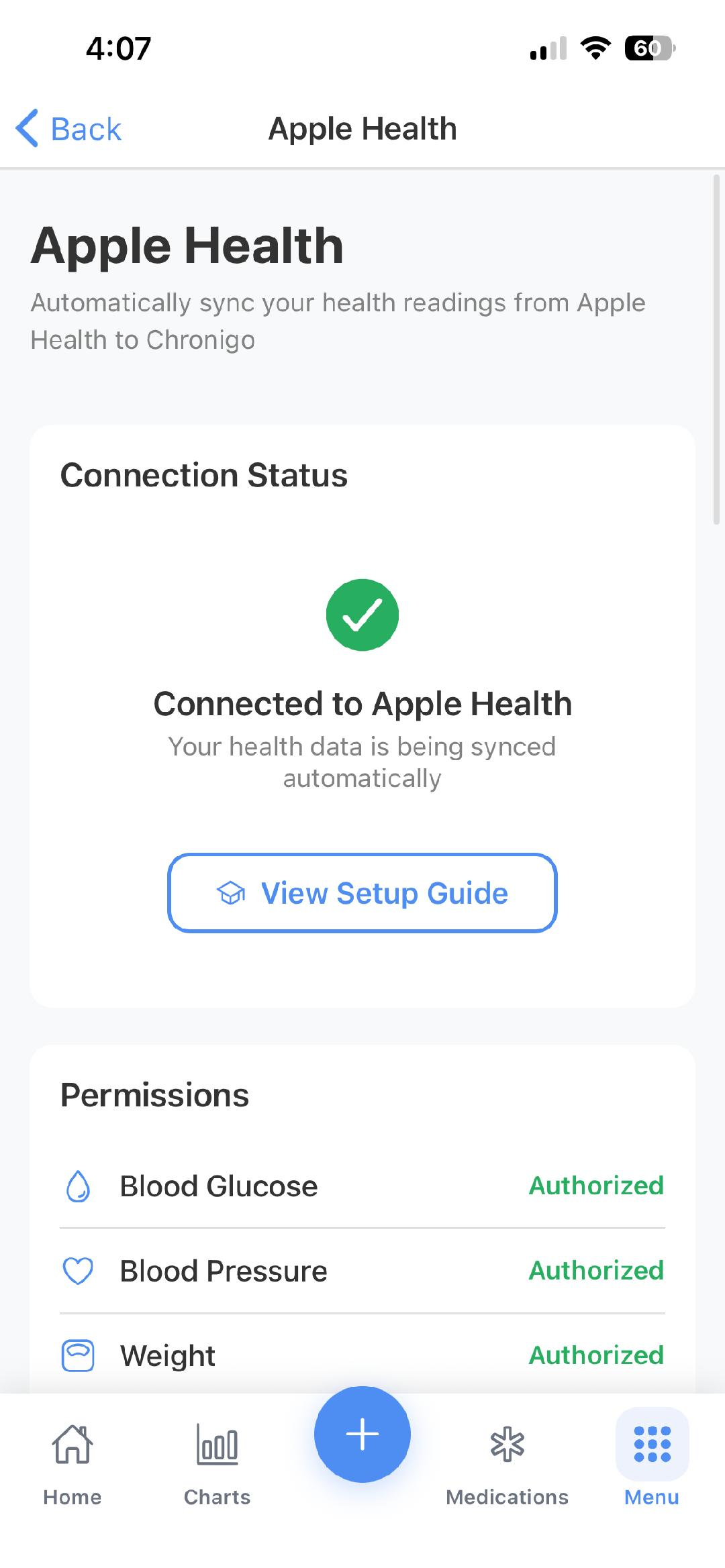
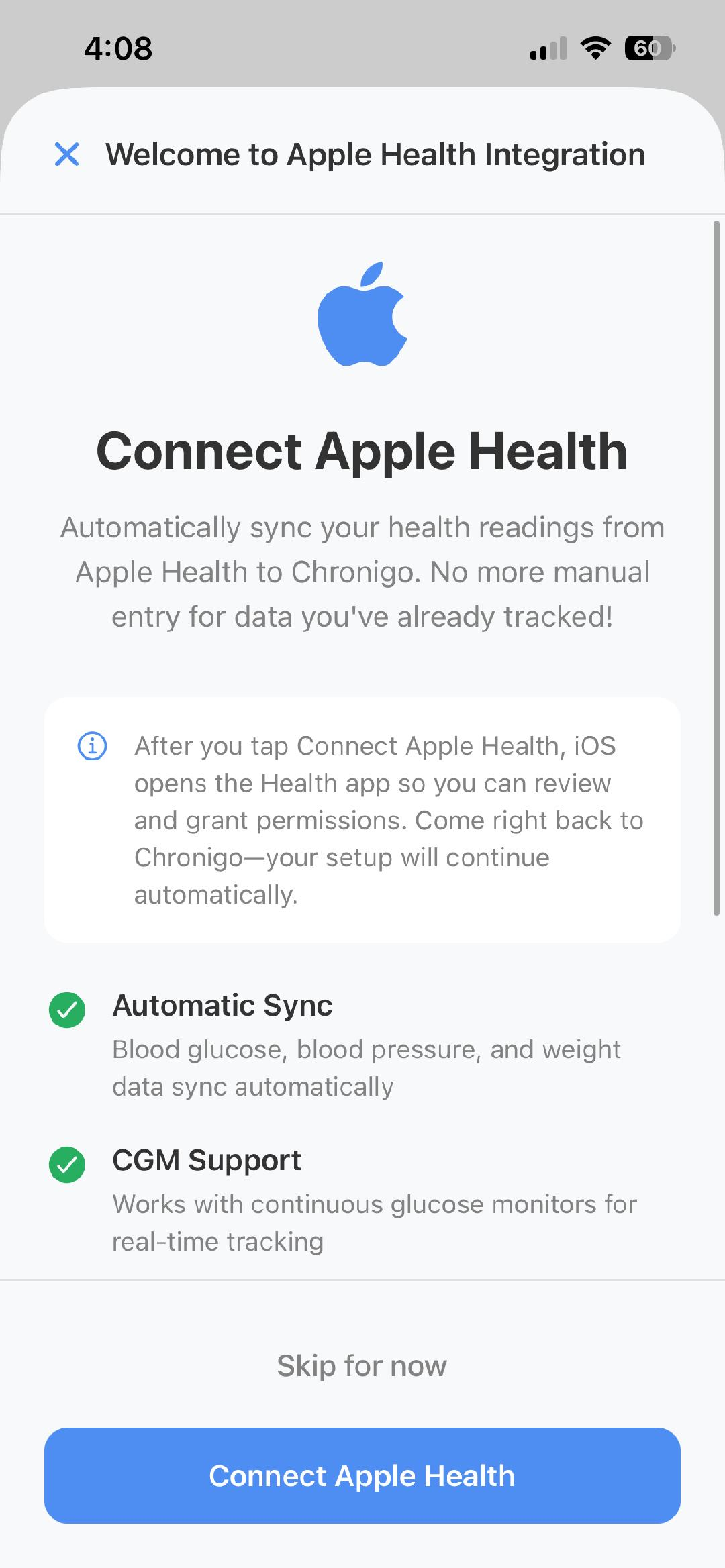
- Connect Apple Health for automatic data syncing
Add your medications
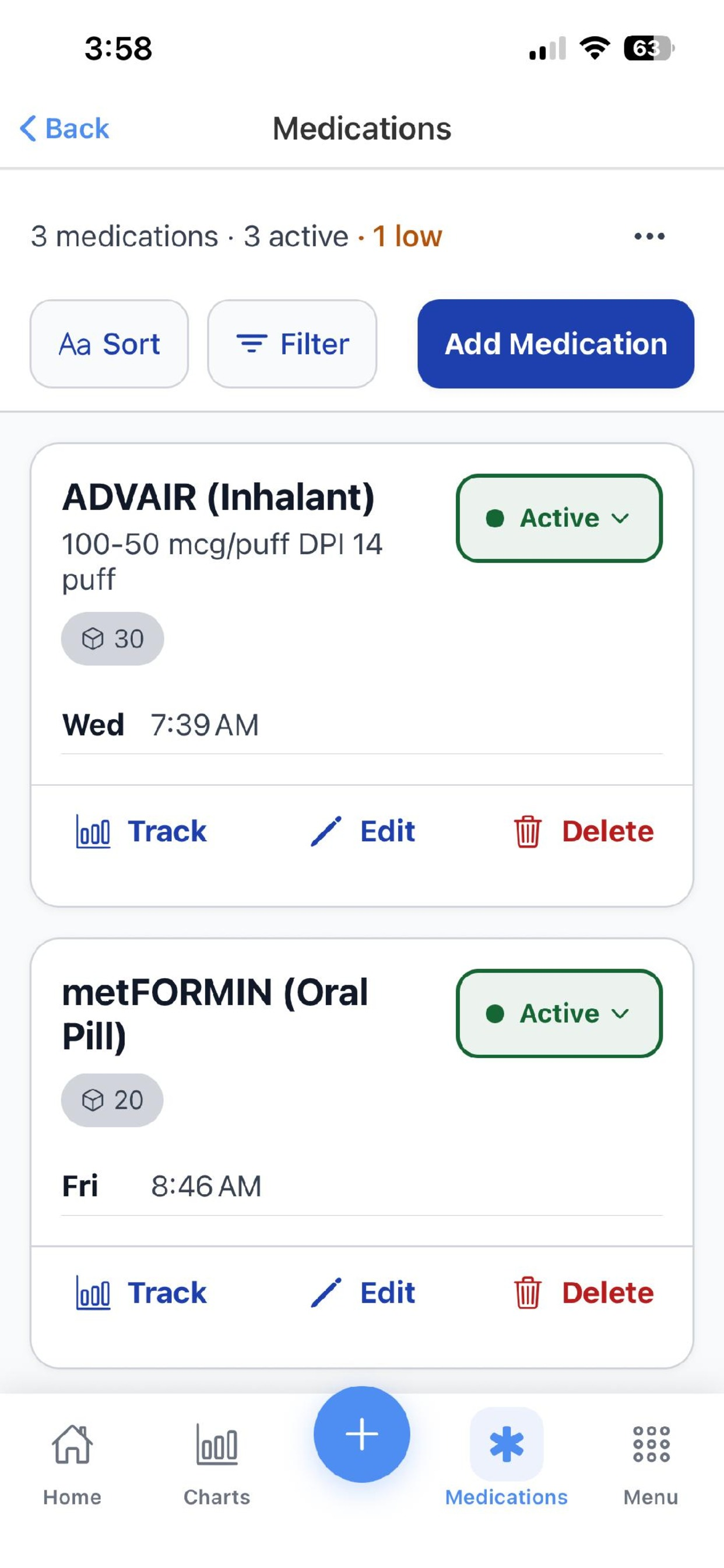
Search for your medications from a comprehensive database. Set your dosage, choose which days to take each medication, and pick the times. Chronigo will remind you automatically.
- Search thousands of medications by name
- Set custom dosage and strength
- Choose specific days and times for each medication
- Get push notifications so you never miss a dose
Log your health daily
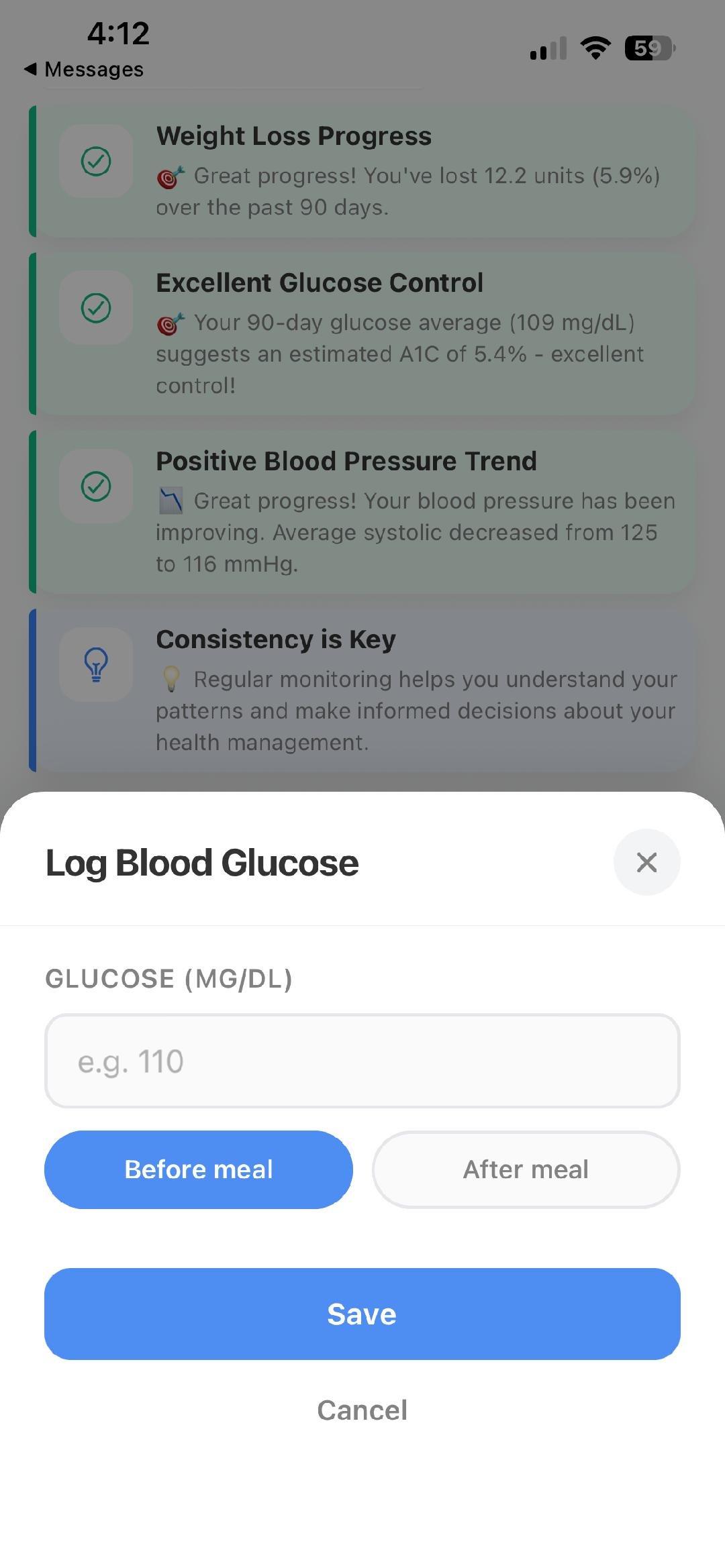
Open the app and tap quick-log to record blood glucose, blood pressure, or weight in seconds. Confirm your medication doses throughout the day.
- Quick-log modal for fast entries
- Add meal context to glucose readings
- Confirm medication doses with one tap
- All data syncs securely to the cloud
Review charts and insights
As your data builds up, Chronigo generates clear charts and trend analysis. ChroniCoach AI provides personalized insights, helping you understand patterns and make informed decisions about your health.
- Interactive charts for glucose, blood pressure, and weight
- Filter by day, week, month, or year
- AI-powered pattern recognition and suggestions
- Share reports with your healthcare provider
Works with Apple Health
Chronigo integrates with Apple Health to automatically sync your health data. Blood glucose, blood pressure, and weight readings flow seamlessly between apps.